

Interactive Session
Once started the tool withsudo wifipumpkin3-pro , you’ll be presented with an interactive session like the metasploit framework where you can enable or disable modules, proxies configure the ap and etc.
- Enable or disable modules and proxies.
- Configure the access point (AP) settings.
- Start or stop the AP.
- Monitor client activity connected to the AP.
- Set session parameters such as BSSID, channel, and interface.
Web User Interface (WebUI)
In addition to the CLI, wifipumpkin3-pro provides a Web-based interface for easier management: Access the WebUI through your browser (default URL: http://127.0.0.1:80).- Monitor the AP status, connected clients, and active modules in real-time.
- Configure AP settings, proxies, and modules without using the CLI.
- Provides visual logs and statistics for better tracking and analysis. Default login credentials for the WebUI:
💡 Note: The WebUI is optional but highly recommended for users who prefer a graphical interface over command-line operations.
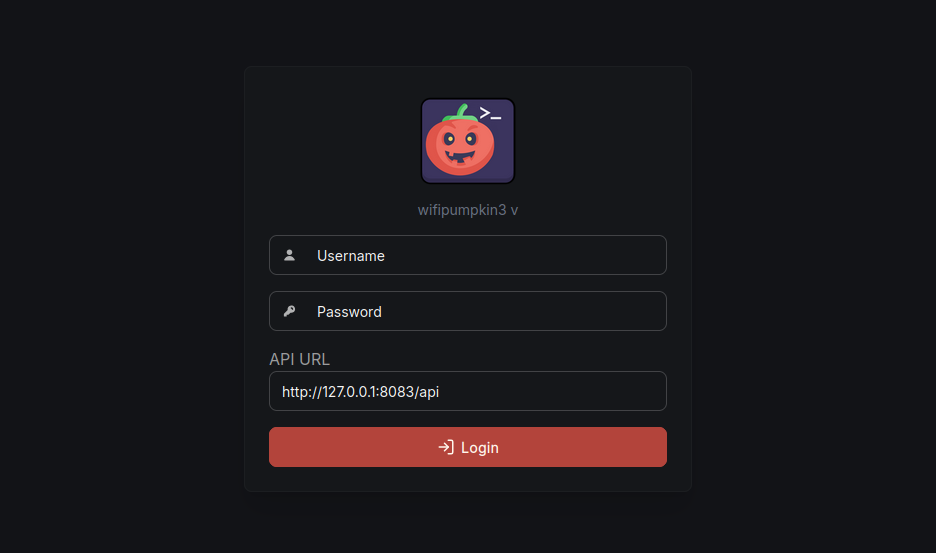
Login UI
Wifipumpkin3 Pro Login
Arguments Commands
The basic command line arguments ( wifipumpkin3-pro -h ) are:Core Commands
help
list available commands or show proxy/module specific help.
set
set variable ap,proxies, modules, this command set is like metasploit set command.(Use tab for autocomplete)
banner
display an awesome banner.
clear
clear the screen.
exit
exit the program.
update (coming soon)
pulling updates from remote git repository.
Ap Commands
clients
show all connected clients on AP
ap
show all variable and status from AP. (bssid, ssid, channel, security, or status ap)
dhcp
show all config of DHCP.
stations
display detailed info of all clients connected to the AP.
start
Start the access point (AP). If everything is working correctly, a new AP will appear, managed by the hostapd program.At the same time, the proxy should be initialized and ready to use.
stop
stop access point, dns, dhcp and proxies that is running in background.
mode
all wireless mode available
Network Commands
proxies
show all proxies available and their status.
reload
reload active proxy or a specific proxy configuration dynamically.