

A professional-grade framework for adversarial emulation, Wi-Fi security testing, and rogue access point deployment built for red teamers and security professionals.
Welcome
Welcome to the documentation for WiFiPumpkin3 Pro — a modern, extensible platform for rogue access points, credential harvesting, and transparent data interception.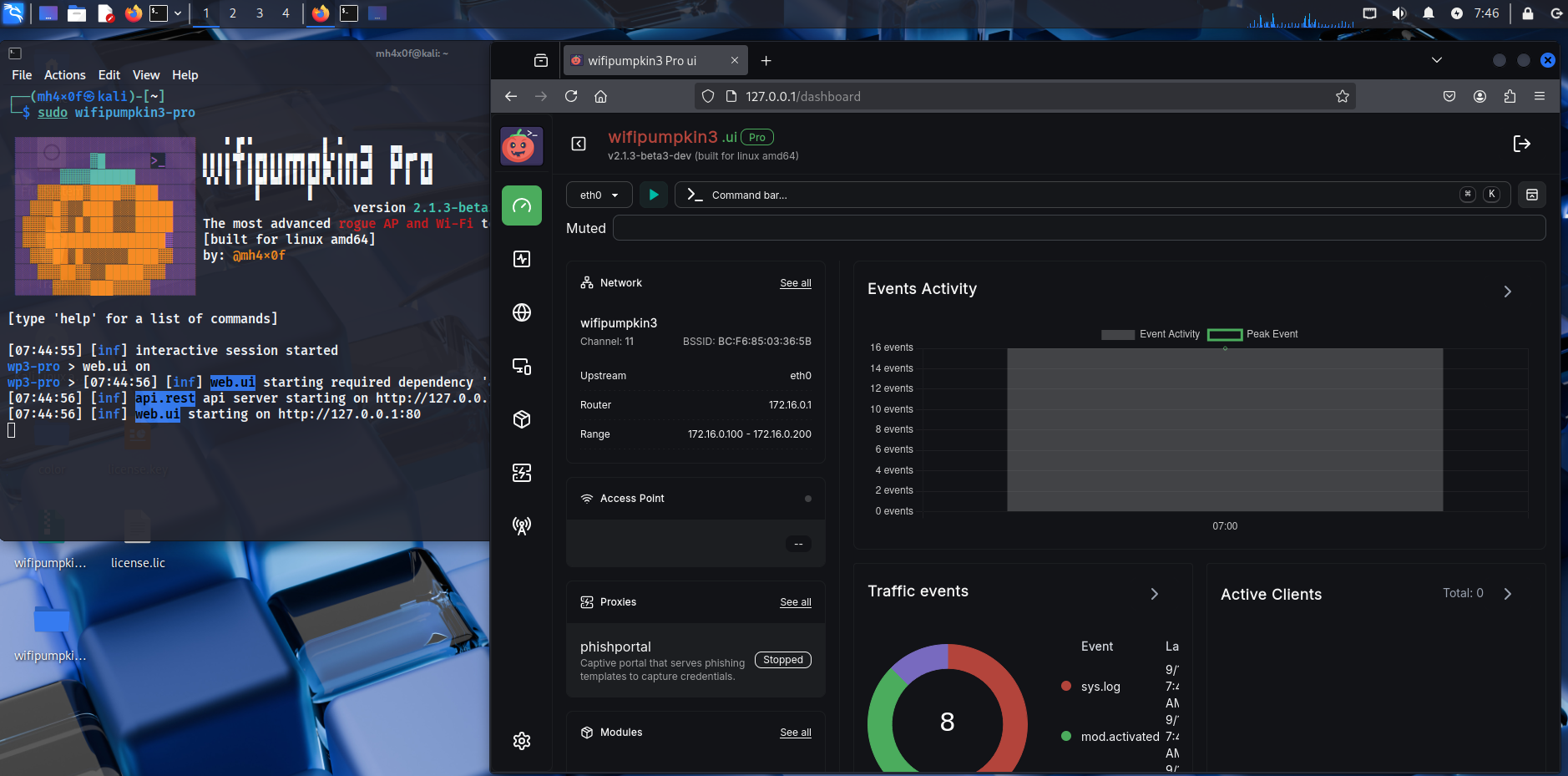
WebUI
WiFiPumpkin3 Pro comes with a sleek, built-in Web User Interface designed for ease of use and remote operation.It provides full control over access point modes, plugins, logs, and MITM proxies — all from your browser.
Login Screen
To access the interface, simply navigate tohttp://<your-ip>:8000 after launching the service.You’ll be prompted to log in using your admin credentials.
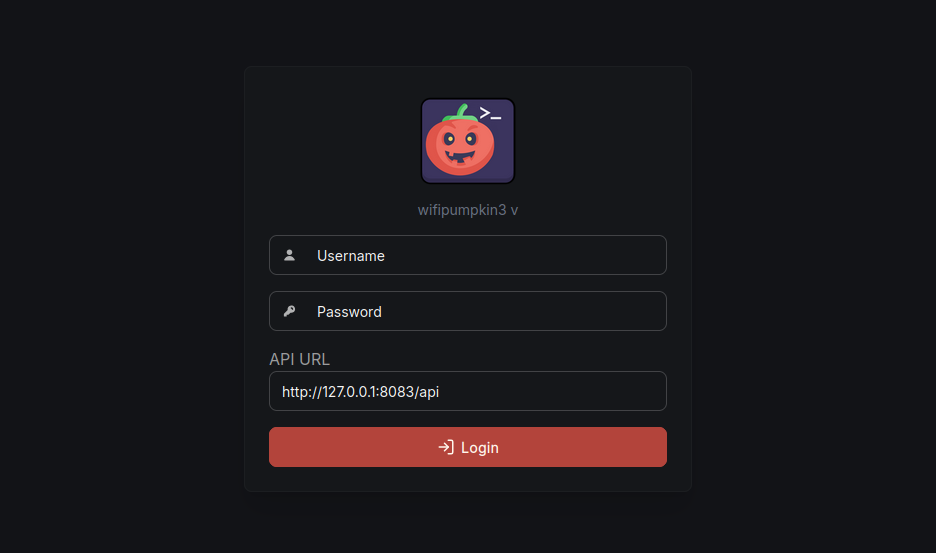
Login UI
Wifipumpkin3 Pro Login
Dashboard Overview
The dashboard provides a centralized view of all core modules and their status — including RogueAP mode, connected clients, DNS/DHCP status, and running modules.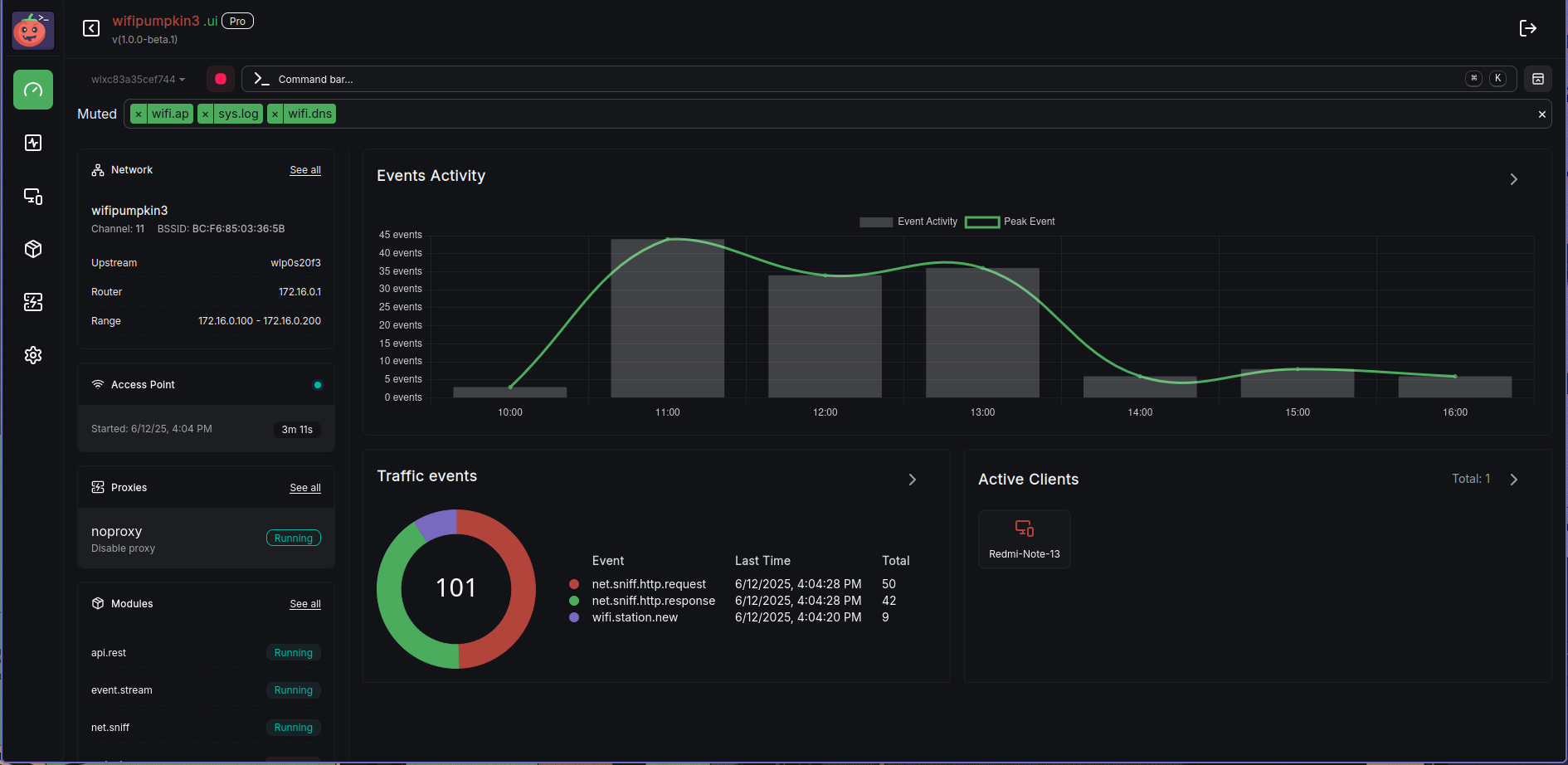
Features of the WebUI
- ✅ Start/Stop RogueAP Modes with a single click
- 📡 Monitor connected clients in real-time
- 🛠️ Manage modules dynamically
- 🌐 Deploy phishing pages via captive portal templates
- 🔎 View captured credentials, DNS queries, and HTTP logs
Visit the Official Site
Learn more about WiFiPumpkin3 Pro, explore all features, see live screenshots, and join the waitlist directly on the official website.