

ePaper UI (epaper.ui)
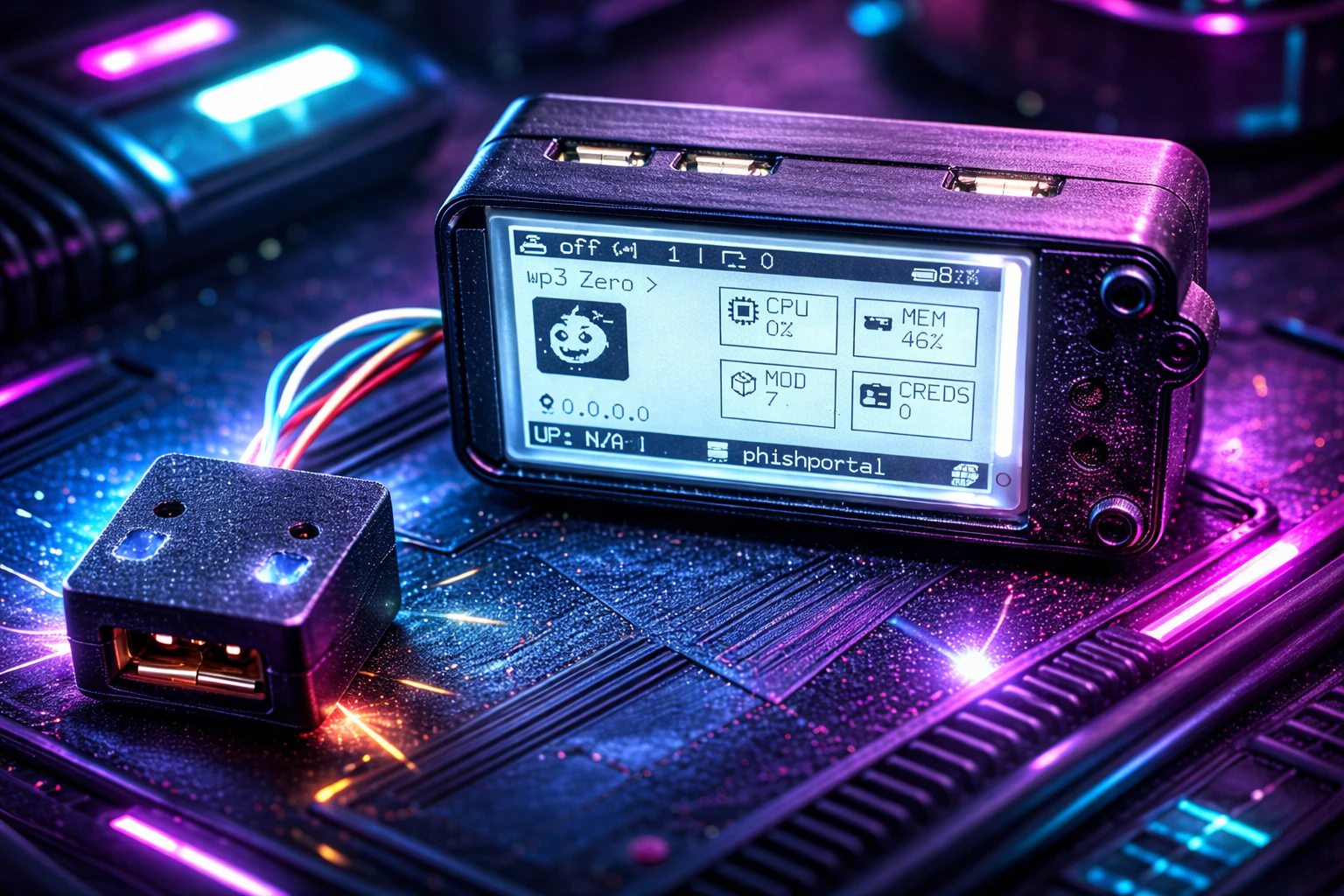
epaper.ui
ePaper UI Interface for Raspberry Pi Zero
It is designed to show system status, network information, and power/battery metrics with low power consumption.
Available Commands
epaper.ui
- Description: Enable or disable the ePaper UI module.
- Usage:
epaper.ui on|off
Parameters
epaper.ui.display
- Description: Specifies the ePaper display model connected to the device. Supported values:
- waveshare2in13v4
epaper.ui.power.enable
- Description: Enables or disables battery monitoring on the ePaper UI. When disabled, battery status will not be displayed or updated. Default: true
epaper.ui.power.module
- Description: Specifies the power management module used for battery monitoring. Supported values:
- UPS_Lite_V1.3_CW2015 Default: UPS_Lite_V1.3_CW2015
epaper.ui.refresh_rate
- Description: Defines the screen refresh rate in seconds. Determines how often the ePaper UI updates its displayed information Default:5
epaper.ui.rotation
- Description: Defines the screen rotation angle in degrees. Controls the orientation of the ePaper display. Default:90