

System Autorun (sys.autorun)
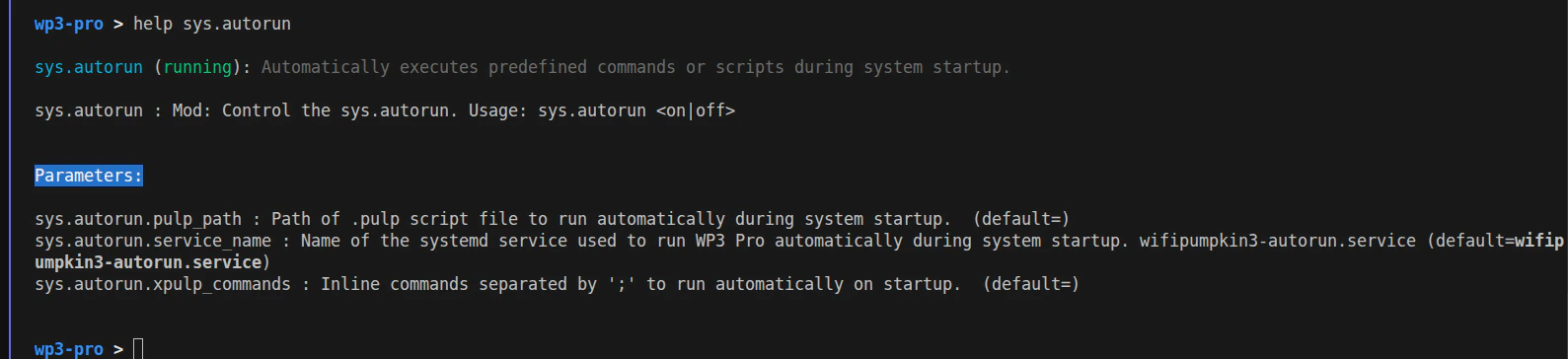
sys.autorun
Automatic startup execution for WiFiPumpkin3 Pro
It is commonly used to restore environments, enable modules, or run
.pulp scripts without manual interaction.
Available Commands
sys.autorun
- Description: Enable or disable the autorun system.
- Usage:
sys.autorun on|off
Parameters
sys.autorun.pulp_path
- Description: Path to a .pulp script file that will be executed automatically during system startup. Default: (empty)
sys.autorun.xpulp_commands
- Description: Inline commands to be executed automatically on startup. Commands must be separated by semicolons (;). Default: (empty)
sys.autorun.service_name
- Description: Name of the systemd service responsible for starting WiFiPumpkin3 Pro automatically during system boot. Default: wifipumpkin3-autorun.service