

OBS
- Windows and Mac OS X is not supported.
- Only Linux amd64 (arm64 future)
Requirements
To runwifipumpkin3-pro, you will need a Wi-Fi adapter that supports Access Point (AP) mode. The operating systems listed below are recommended, as they already include most of the required dependencies or more easily to install.
💡 For better performance and isolation, it is recommended to run
wifipumpkin3-pro inside a virtual machine (VM) or on a dedicated physical machine.OS (recommended)
| OS | Version |
|---|---|
| Ubuntu | >= 24.04 LTS |
| Kali | >= Kali Linux 2025.2 |
Tools (pre-installed)
- iptables (current: iptables v1.6.1)
- iw (current: iw version 4.14)
- net-tools (current: version (1.60+)
- wireless-tools (current: version 30~pre9-12)
- hostapd (current: hostapd v2.6)
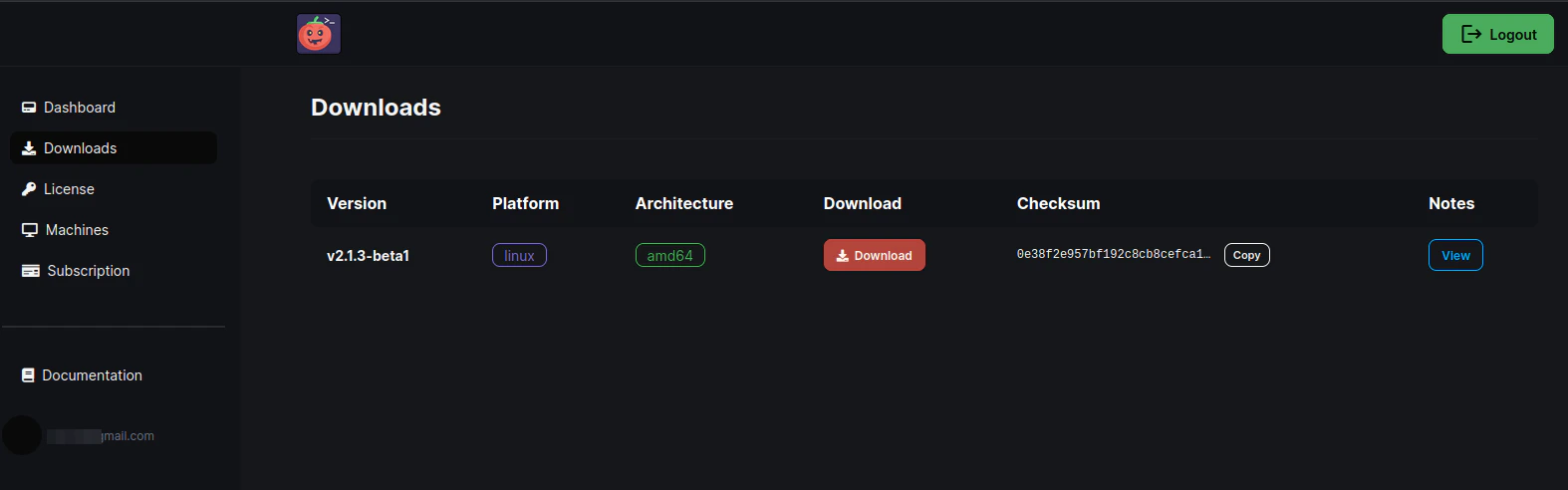
1️⃣ Download the Release
Download the latest version ofwifipumpkin3-pro from the Dashboard.\
2️⃣ Extract the Package
Unzip the downloaded file and navigate to the extracted directory:3️⃣ Download License Files
From the Dashboard -> License go to: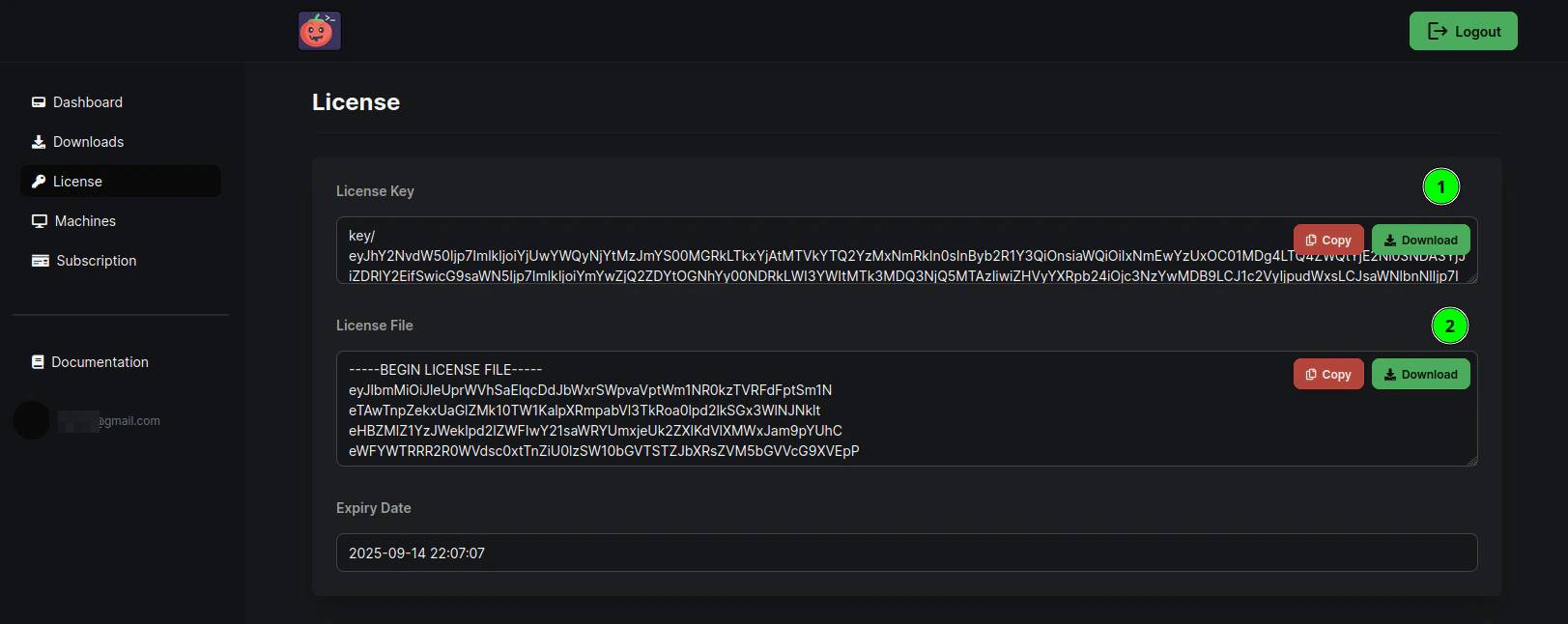
4️⃣ Run the Installer
Execute the installation script as root:5️⃣ Activate and Run the Application
After completing the installation, launch wifipumpkin3-pro and activate your license with: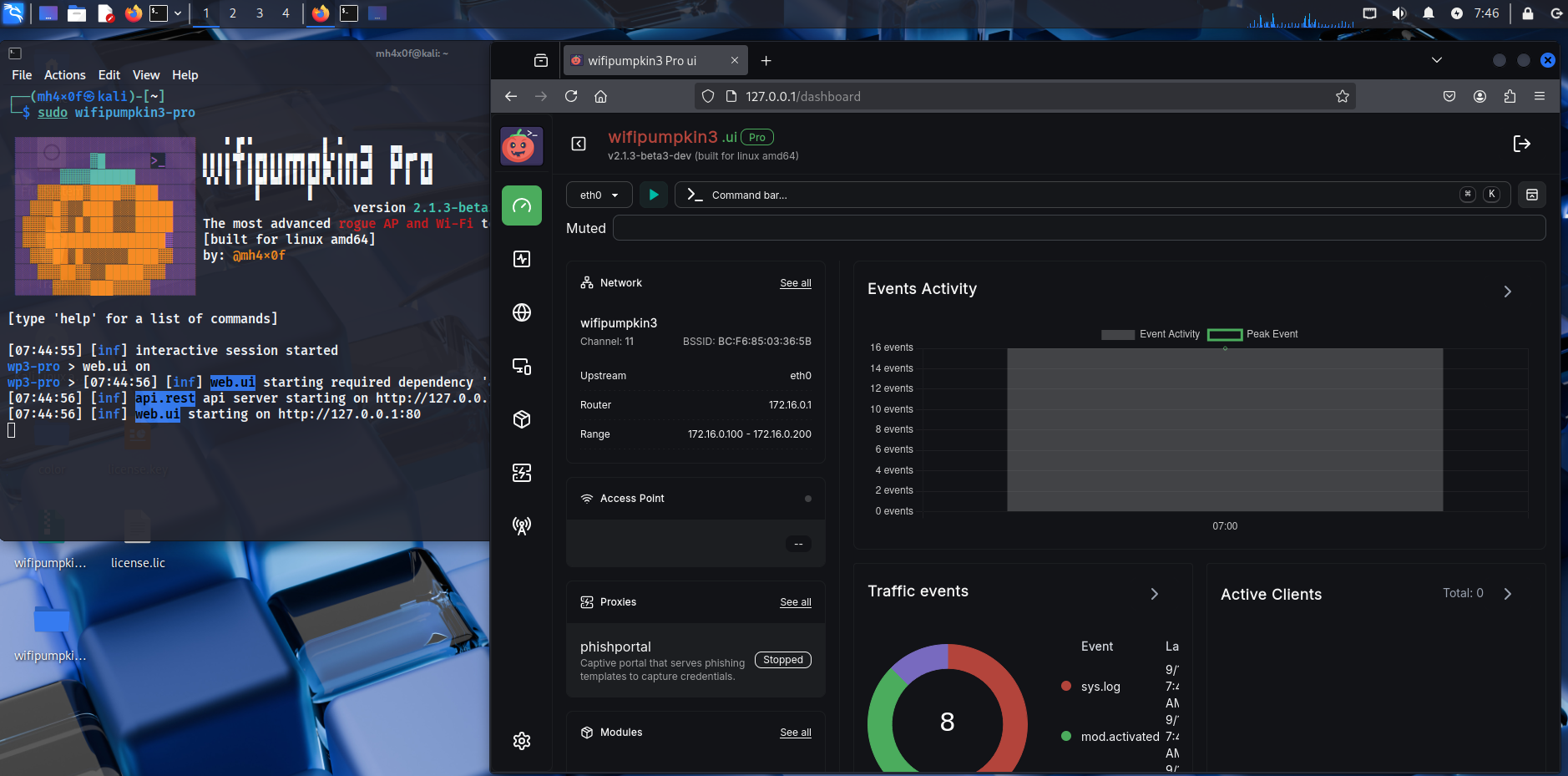
Need help? See our full documentation or join our community.