

Net Sniffer (net.sniff)
net.sniff
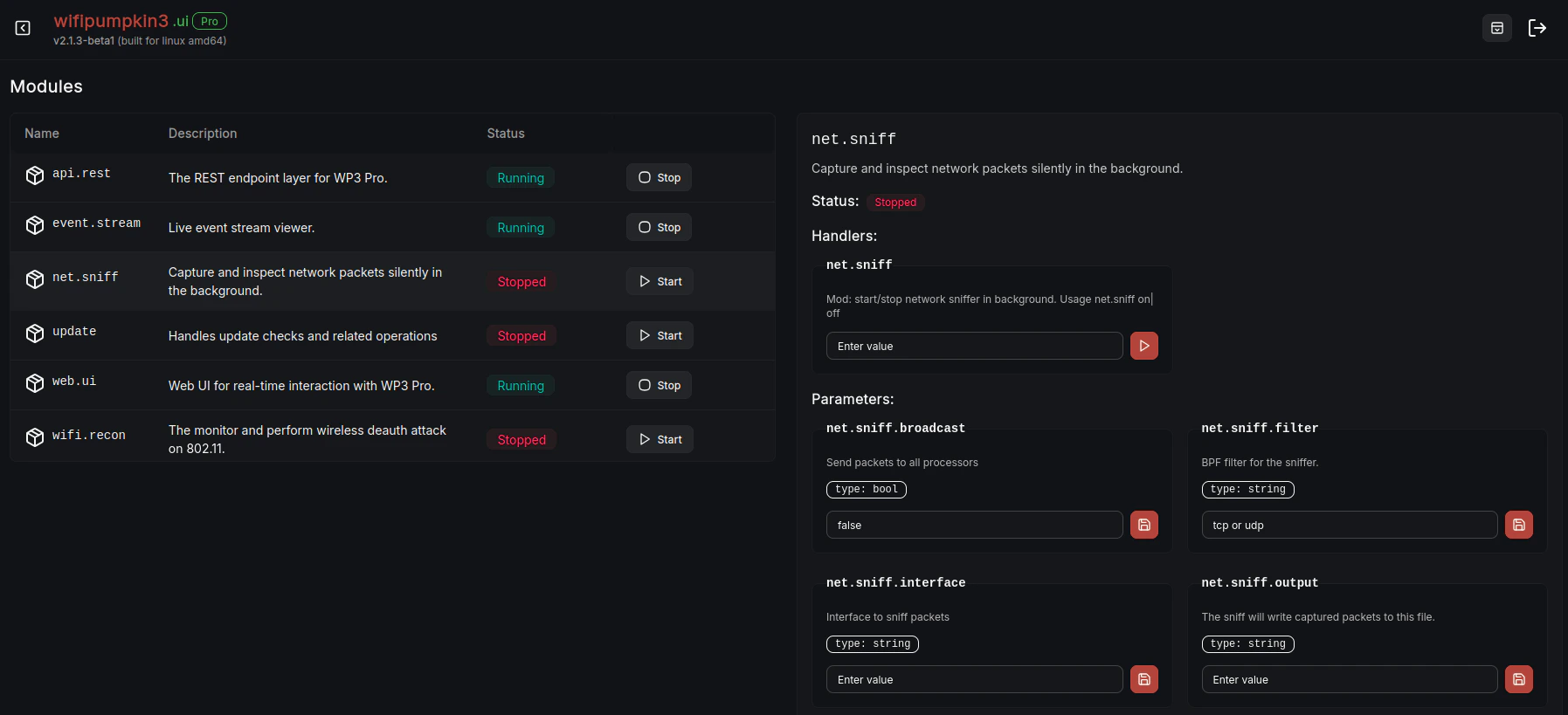
net.sniff Web UI Interface
net.sniff module in WP3 Pro allows you to sniff network packets in the background.It is designed to run silently and capture traffic for analysis, debugging, or penetration testing purposes. When started, it can capture packets from specified interfaces, apply filters, and optionally store the results in a file.
Module Usage
Description
- net.sniff (not running): Sniffs packets in the background.
Parameters
You can configure net.sniff using the following parameters:| Parameter | Description | Default |
|---|---|---|
net.sniff.broadcast | Send packets to all processors. | false |
net.sniff.filter | BPF filter for the sniffer (e.g., tcp or udp). | tcp or udp |
net.sniff.interface | Interface to sniff packets from (e.g., wlan0). | (none) |
net.sniff.output | File where captured packets will be saved. | (none) |
net.sniff.protocol | Protocol processors to use when broadcast is false. Options: http, dns, sni, ftp, smtp, mdns, ssdp | http, dns, sni, ftp, smtp, mdns, ssdp |
net.sniff.verbose | Enable verbose mode to log packets in real-time. | false |